Picking the right Fargo card printer comes down to matching the machine to how you will actually use it. Buy too small and you outgrow it within a year. Buy too big and you have paid for capacity and features you never touch. This guide walks through the decisions that matter, in the order they matter.
1. Single sided or dual sided
If your cards only carry information on the front, a single sided printer is the cheaper, simpler choice. If you need a magnetic stripe, terms and conditions, a barcode or a second photo on the back, choose dual sided. Dual sided printing in a single pass saves a lot of time at volume. Most Fargo models are available in both configurations, and some can be upgraded later.
2. How many cards, how often
Volume drives almost everything else. A small office issuing a handful of staff badges a month has very different needs to a university running intakes or a service bureau printing daily.
- Low volume: an entry level direct to card printer is plenty.
- Medium volume: look for dual input hoppers and higher capacity ribbons to cut reloading.
- High volume: prioritise speed, large hoppers and retransfer reliability.
3. What you need to encode
A plain photo ID is one thing. A card that opens doors, taps for payment or stores credentials is another. Decide whether you need magnetic stripe, contact smart chip, or contactless encoding such as HID Prox, iCLASS, MIFARE or DESFire. Encoding is often an add on module, so confirm the printer you choose supports the option you need, even if you add it later.
4. Print quality and card type
Standard direct to card printing at 300 dpi is excellent for most ID and access cards. If you print onto technology cards with uneven surfaces, or you need photo grade, edge to edge image quality and sharper security elements, retransfer printing is worth the step up. We cover this fully in our guide to DTC versus HDP retransfer printing.
5. Security features
If your cards control access or identity, security matters. Look for password protection, data encryption, custom holographic or fluorescent printing, and lamination for tamper resistance and durability. Higher tier Fargo models build these in or offer them as modules.
6. Budget, upfront and ongoing
Set a realistic budget that includes consumables, not just the printer. A cheaper printer with expensive or short yield ribbons can cost more over its life. Factor in ribbons, cards, cleaning kits and any software. Our guide to the cost of setting up ID card printing in South Africa breaks the numbers down.
Matching models to needs
As a starting point from the current Fargo range:
- Small business, school or local government, entry level: HID Fargo DTC1250e.
- Growing organisations needing more security and versatility: HID Fargo DTC1500.
- High volume, high capacity direct to card issuance: HID Fargo DTC4500e.
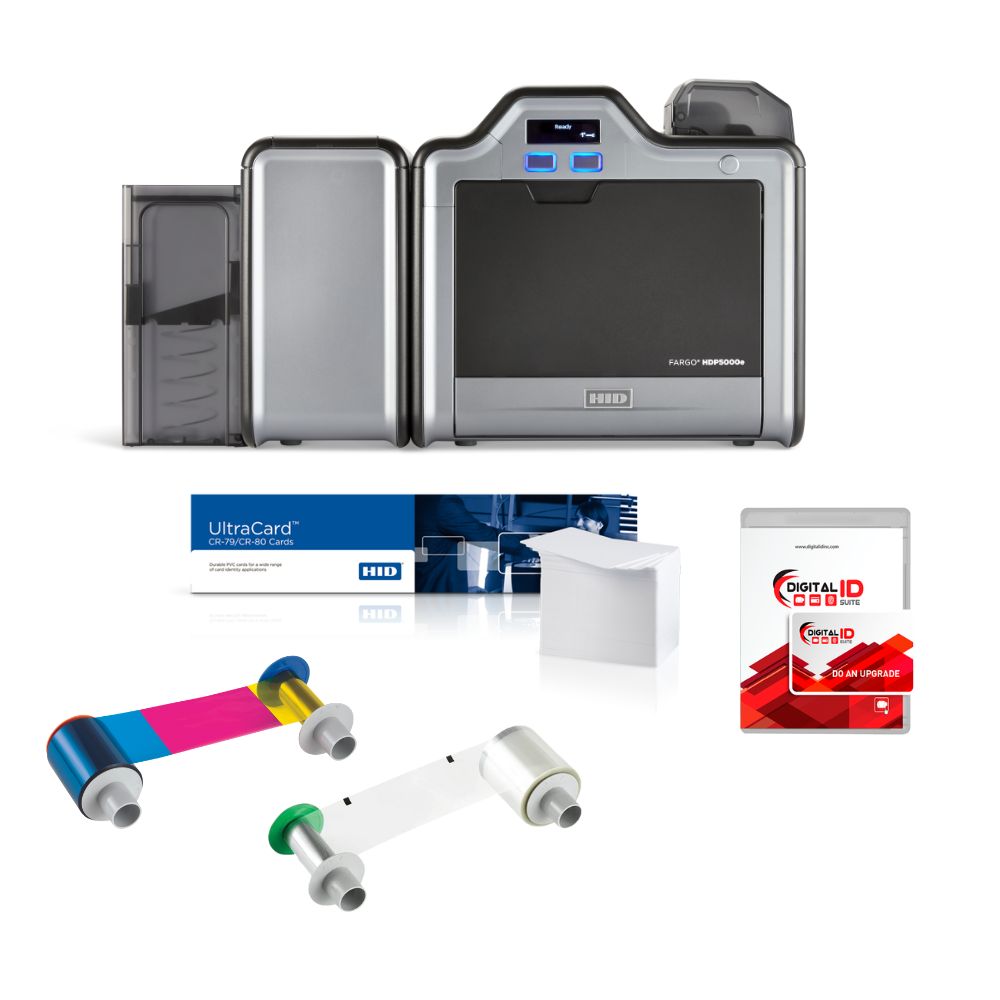
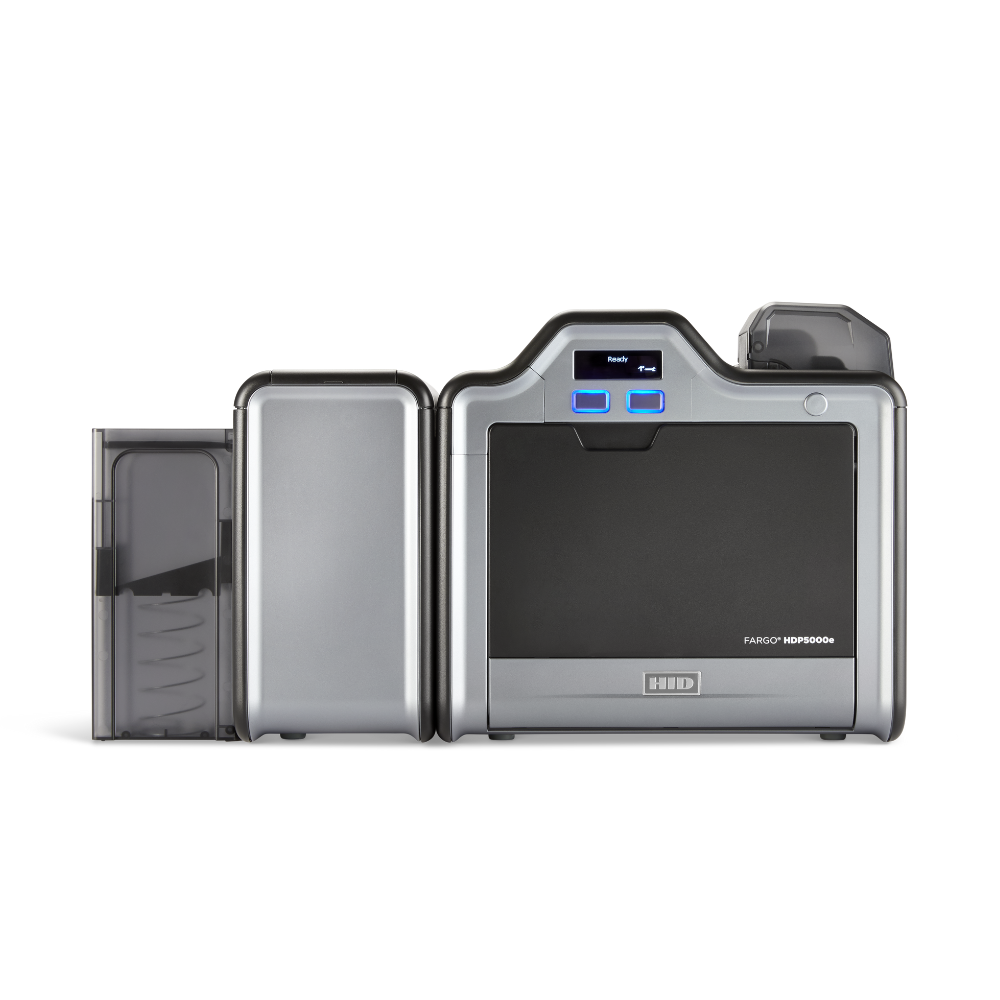
- High definition retransfer for smart cards and premium quality: HID Fargo HDP5000e or the enterprise HID Fargo HDP6600.
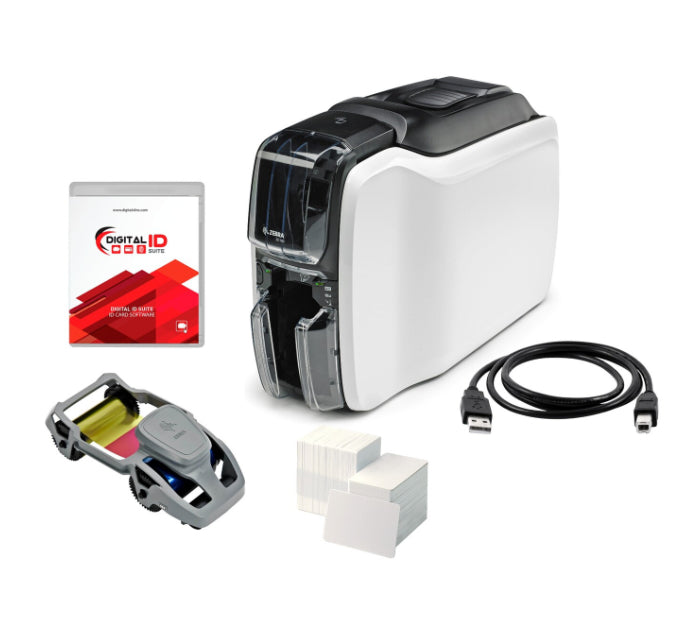
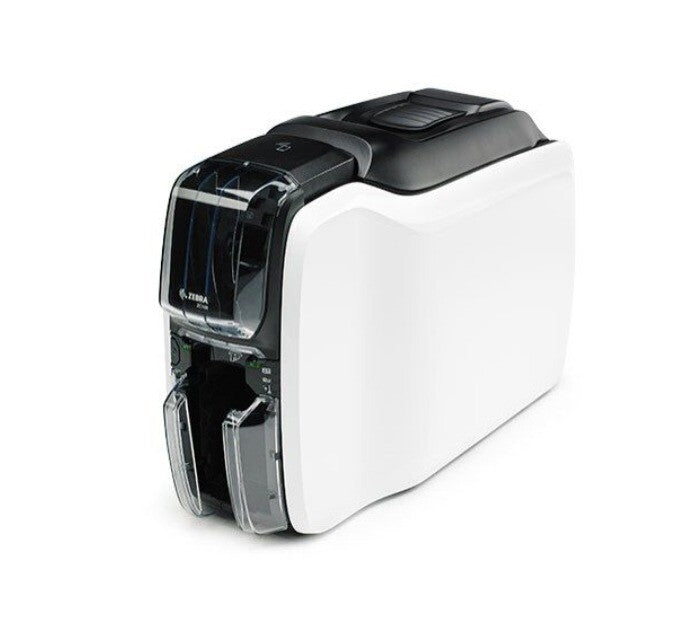
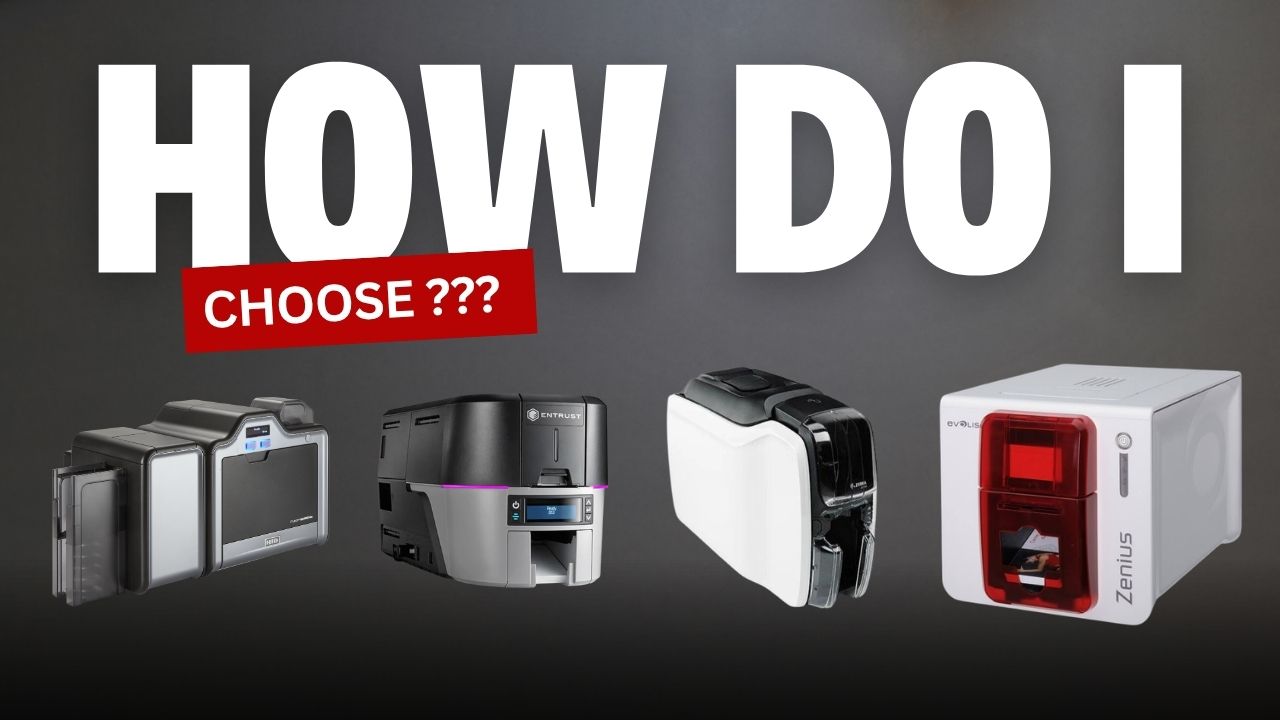
Comparing brands beyond Fargo? See our wider guide to choosing the right ID card printer across HID, Entrust, Zebra, Evolis and Seaory.
Buy from a partner, not just a box seller
The printer is only half the decision. Genuine warranty, authentic consumables and local technical support are what keep you printing. Digital ID Technologies is an HID Global Platinum Partner and South Africa's top Fargo distributor since 2012. Browse the full Fargo range or contact our team and we will help you specify the right printer the first time.